


Agentic AI in Practice: 5 Research Workflows with Rival MCP
“Haven’t we already researched that?” If you work in insights, you’ve probably asked yourself, or research colleagues, at some point after receiving a new stakeholder request. The answer you're looking for might be in last quarter’s concept test, a community survey or an open-end you remember reading but can’t quite place where. Now you either have to find it and decide if it's relevant to the question at hand, or forget about it and run a new study.
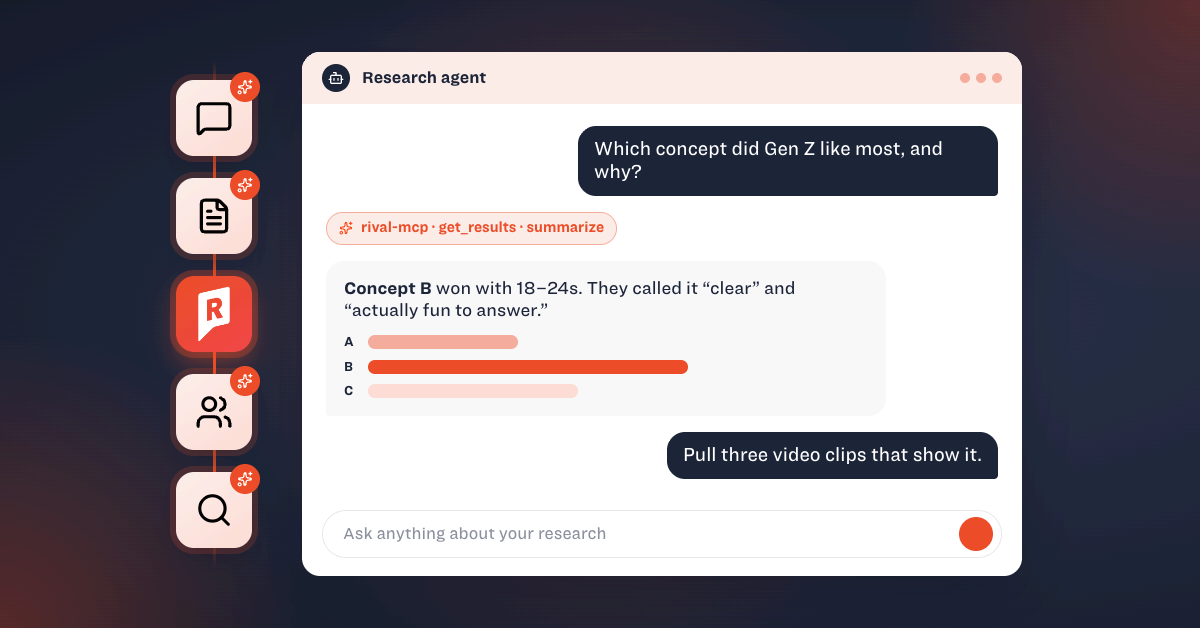
This is one of scenarios where agentic AI becomes extremely useful in everyday research. With access to the right tools, your AI assistant can work through several steps: finding relevant studies, checking the questionnaire and pulling responses for your review. Connecting AI systems to your research has never been easier than it is with Rival MCP.
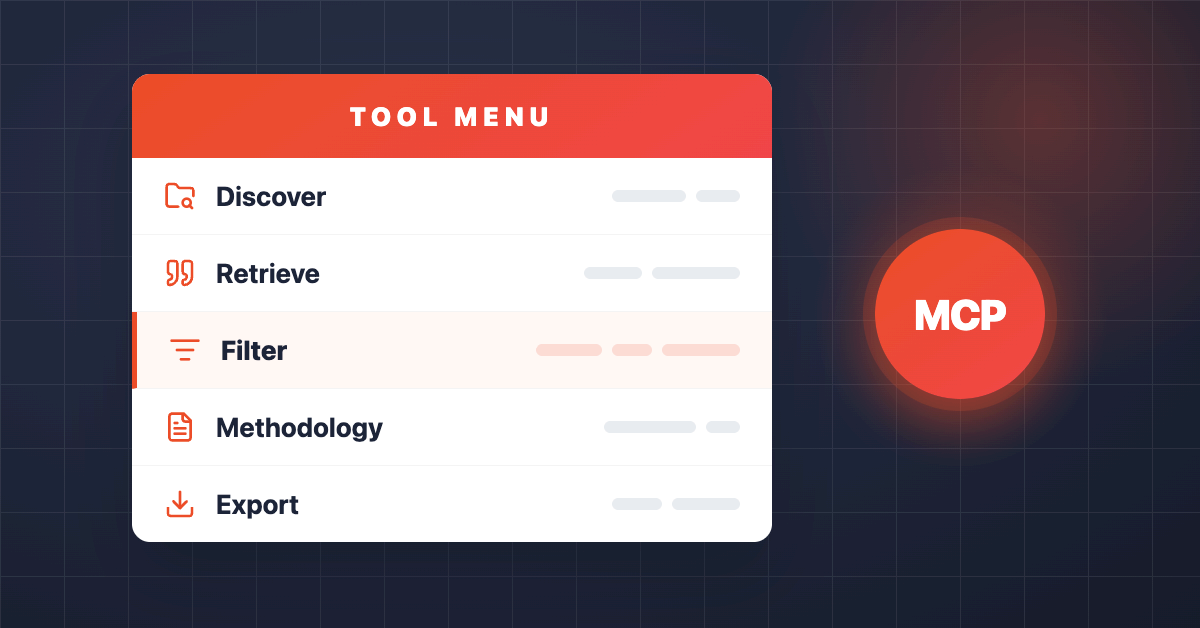
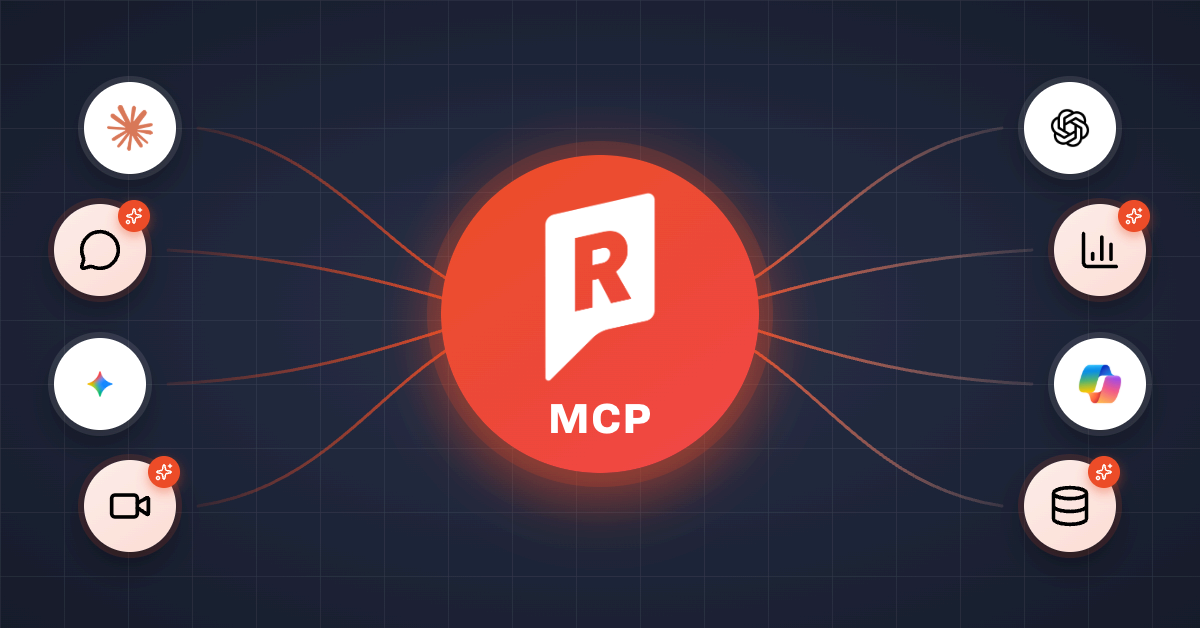
Rival MCP connects research from Rival Technologies’ conversational research platform to your enterprise AI assistants and agents. It uses Model Context Protocol, an open standard for connecting AI applications to external tools and data. Our current connection lets your AI agent find, retrieve and export existing research.
Watch a Rival MCP demo
So how do you get the most out of it when you have an actual research job to do? Here are five examples of how to use and Rival's MCP connection.
1. Search existing research before launching a new survey
Your product team wants to understand how customers feel about, say, sustainable packaging. Before you create a new project folder, you’re fairly sure you’ve covered some of this before.
The challenge is remembering where. It might have been a packaging test, a brand study or a few questions tucked into a community survey on something else entirely.
Try asking:
Find studies about sustainable packaging. Show me the relevant questions and summarize what each study could help us understand.
With Rival MCP, your assistant can search for relevant studies and pull their question lists, helping you work out which ones are worth a closer look.
You can then check whether those studies answer the current question or leave something important open. Research on recyclable packaging might give you useful background, for example, without telling you how customers will react to the new material your product team is considering.
Either way, you have somewhere useful to start before asking participants to weigh in again.
2. Analyze open-ended responses to understand price objections
Your latest concept test shows hesitation around proposed pricing. The brand team wants to know what would make the offer feel worthwhile, and you need to go in with a recommendation, not just “people thought it cost too much.”
Open-ends are a good place to start. So is checking the question that produced them. Were participants reacting to the price on its own, or comparing it with an alternative?
Try asking:
Retrieve the responses to the value-for-money question in our latest concept test. Check the question wording and relevant survey logic, then summarize the reasons participants gave for their answers.
Rival MCP gives your assistant access to questionnaire details as well as responses. That includes the authored survey logic, such as display conditions and piping, that helps explain what participants saw. Your assistant or agent can check that context before drafting a summary and you can review the themes against the answers and see whether the routing impacted responses.
That context can change the conversation with your brand team. Someone who can’t afford the product and someone who doesn’t understand what’s included might give you the same rating but would warrant a different solution from your brand.
3. Find recurring customer concerns across multiple studies
Delivery complaints have appeared in a customer experience survey, and someone wants to know whether this is a recurring problem. You remember similar comments elsewhere. Finding them across several studies is the next job.
Try asking:
Search our Q3 studies for responses mentioning delivery delays. Group the comments into themes and identify the source study for each example.
Rival MCP lets your assistant search response text and retrieve relevant answers across studies. You can use it to bring those comments together and take a closer look.
“Delivery problems” might turn out to mean several things. Some customers didn’t know when their package would arrive. Others got poor updates, the packaged was stolen, or they received it after the occasion they’d bought it for. That’s useful detail to take back to the business, and a much better starting point for follow-up research.
You’ll still need to check whether the studies can fairly be compared. Different audiences, question wording and field dates all impact results. A collection of delivery complaints can show you what people are describing; it takes more work to establish how widespread the problem is and that's something AI can help you with.
4. Turn research findings into a stakeholder briefing with AI
You’ve done the research. Now the brand director needs the messaging implications, while the product lead wants to know which questions are still unanswered. Each stakeholder needs a different readout, and both need to be able to see where the findings came from.
Try asking:
Use the latest concept test to draft a one-page briefing for the brand team. Include the main findings, supporting participant quotes, implications to consider and questions the study leaves unanswered. Identify the source question for each finding.
Through MCP, your assistant can retrieve the Rival research it needs for the briefing. The AI application you’re working in does the drafting, along with whatever formatting or visualization it supports.
You get a draft to work with. Check the quotes, sharpen the interpretation and make sure the recommendations don’t get ahead of the evidence. A neatly written paragraph still needs to hold up when someone asks, “What’s that based on?”
And if the next step calls for more rigorous statistical analysis, you can use MCP’s export tools to get the response data into an analyst’s hands.
5. Plan your next study using what you've already learned
Customers like your proposed subscription, but they’re unsure they’d use it often enough to pay. You have a finding worth exploring. Now you need to decide what the next study should ask. With MCP, rour assistant can help you build a brief around what you’ve already learned.
Try asking:
Review the findings about expected subscription usage. Draft a follow-up research brief covering what we know, what remains uncertain, proposed objectives and questions to explore. Explain which findings informed the brief.
Using research retrieved through Rival MCP, your assistant can draft a brief or questionnaire in the AI application you’re working in. You can work through the objectives, question the assumptions and decide which audience and methodology will give you a useful answer. Having the earlier findings at hand helps you be specific about what the follow-up needs to resolve.
How Rival MCP fits with Rival's agentic AI capabilities
These examples start with research you’ve already collected. Rival also has AI capabilities to help you collect deeper responses and make sense of them inside the platform.
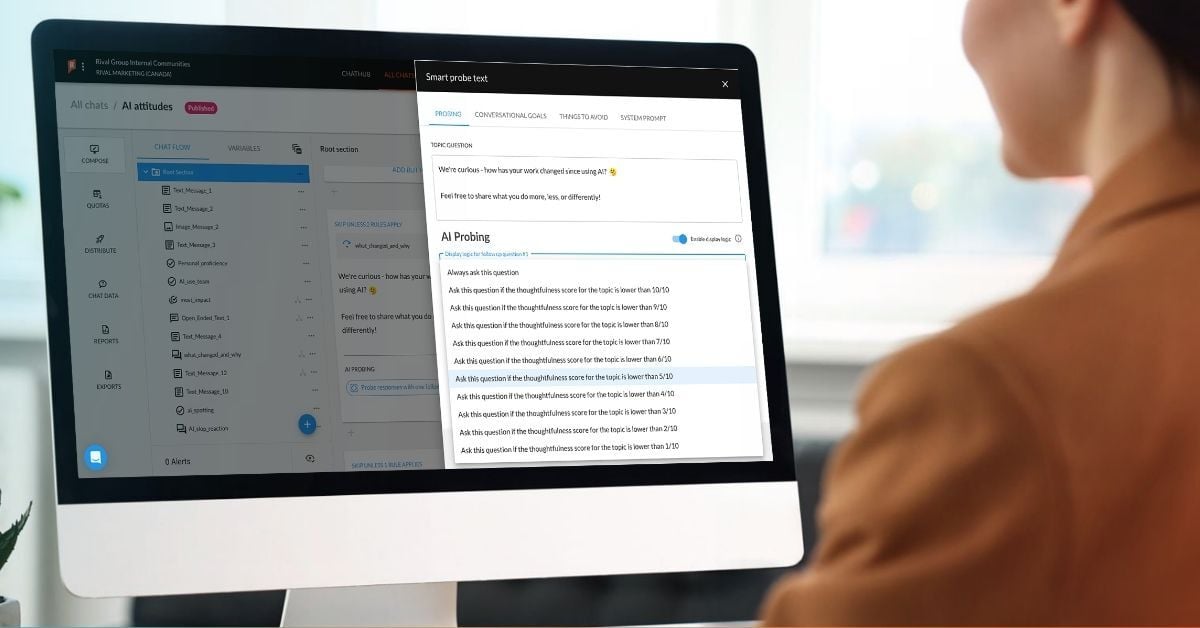
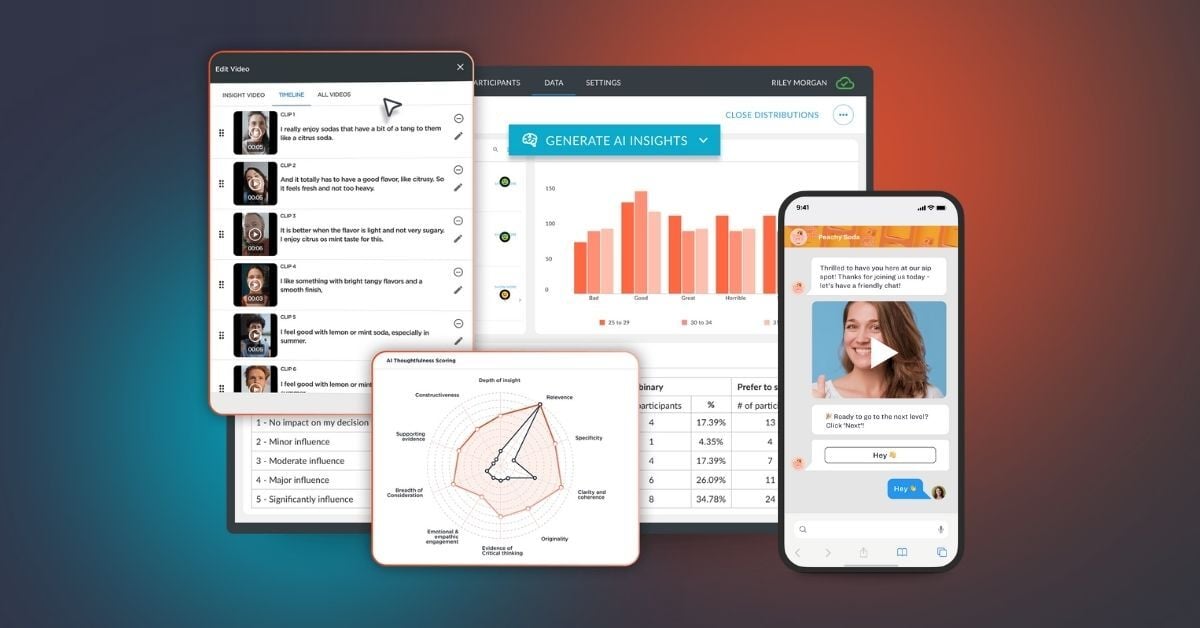
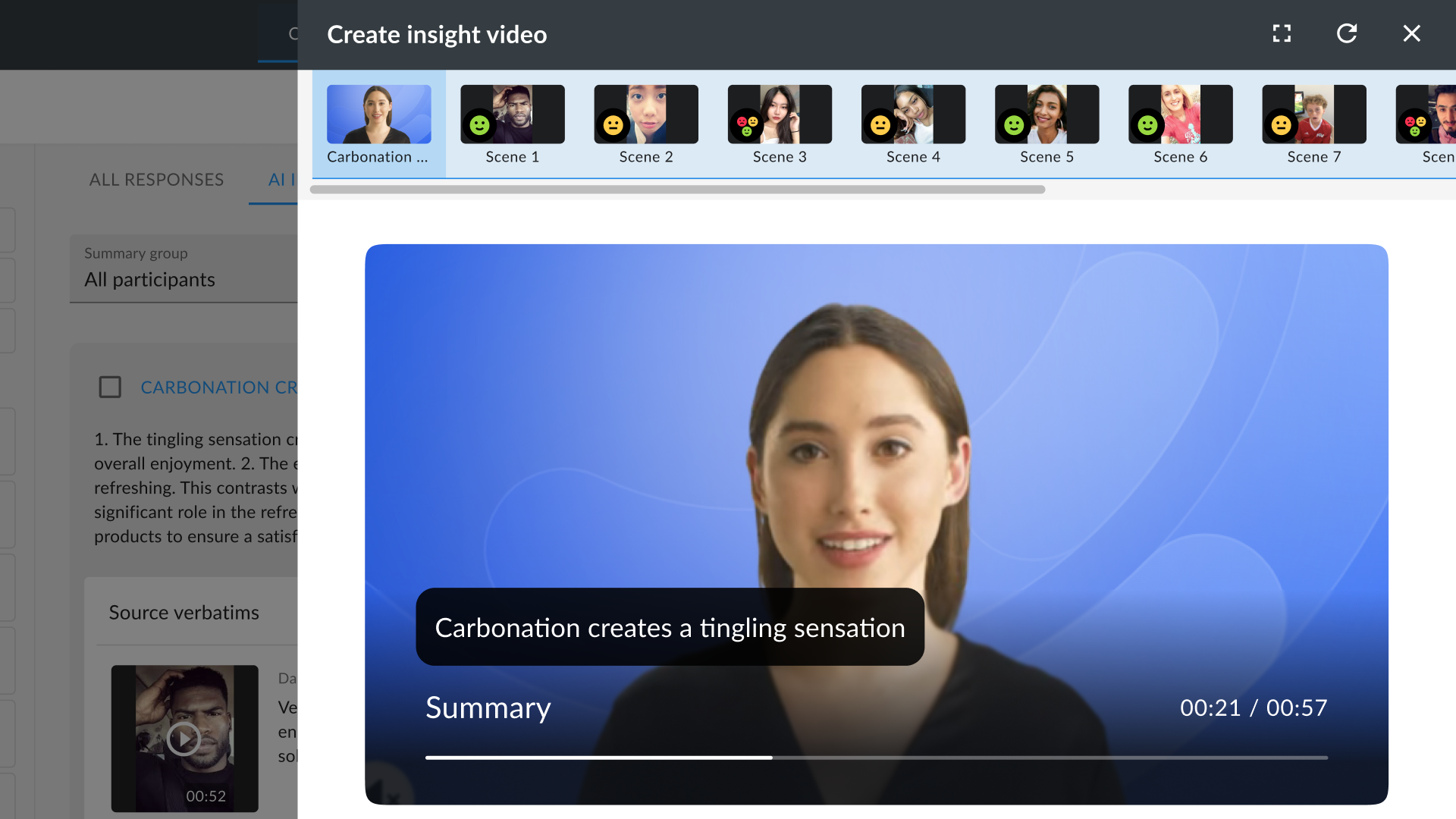
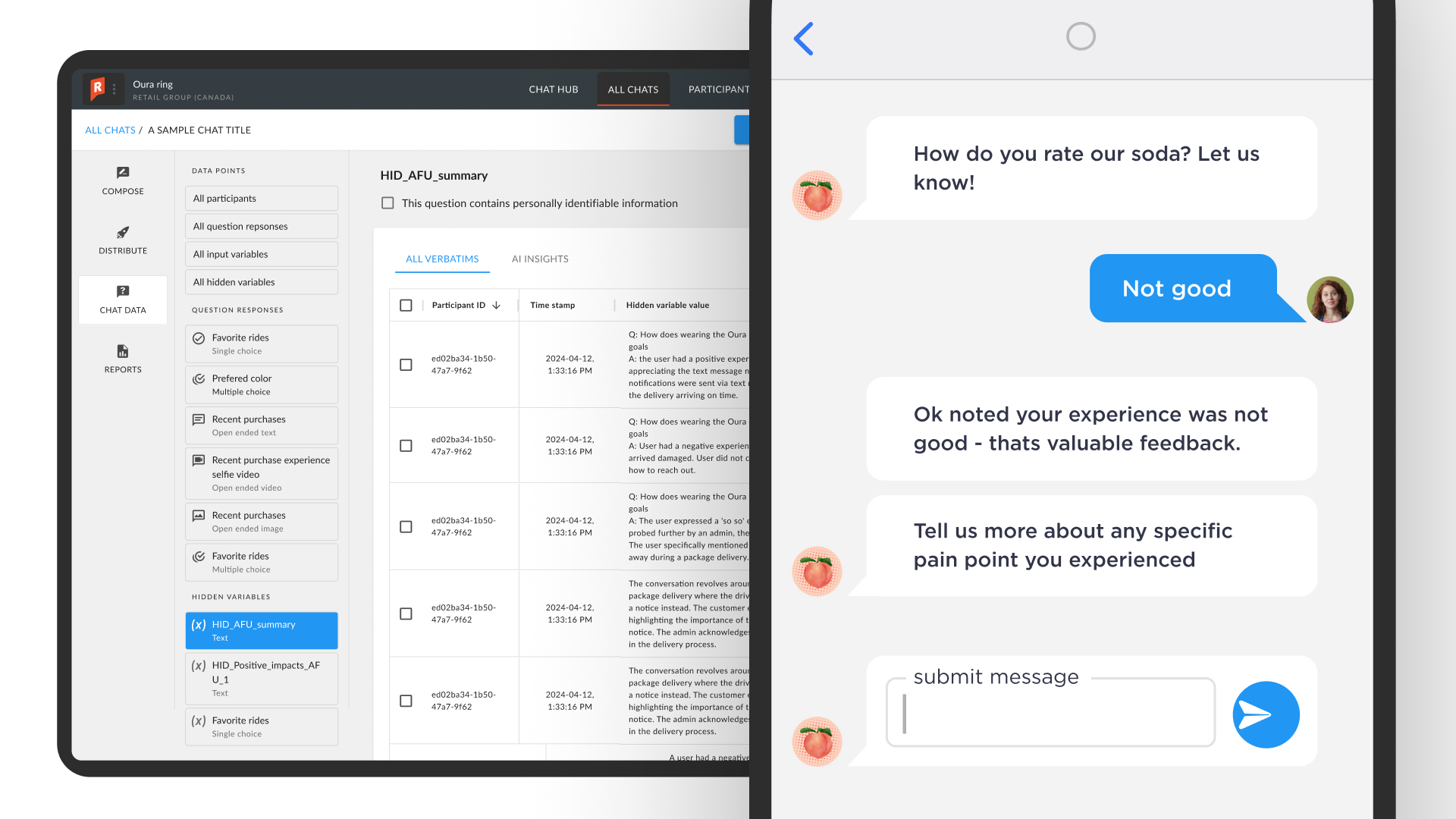
AI Smart Probe asks relevant follow-up questions based on open ended text, video and audio responses, informed by Thoughtfulness Score™. AI Summarizer helps identify themes in unstructured data. MCP makes your existing Rival research accessible to compatible external AI assistants and agents.
If you’re evaluating agentic AI survey platforms, it’s useful to ask how those pieces fit together. How does the platform help you get thoughtful answers from real people? And can your team use that research in the AI tools it already works with?
Get started with Rival MCP
Start with a question your team needs to answer. Find the relevant studies, check what you asked and explore the responses. It’s a practical way to see where a connected assistant can save you work.
Rival MCP is enabled per account and requires the appropriate Rival permissions and a compatible AI client. If you’re already a Rival customer, reach out to your designated contact about getting connected.
New to Rival? Explore Rival MCP access to see how it could fit into your team’s research workflow.